How to view Short Excess Enquiry report?
Introduction
Short excess enquiry is a complete detailed report of short or excess bulk items for a specific period.
Short excess enquiry
1. Click Inventory >> Repack & Bulk items >> Short Excess enquiry. The Short/Excess report screen is displayed.
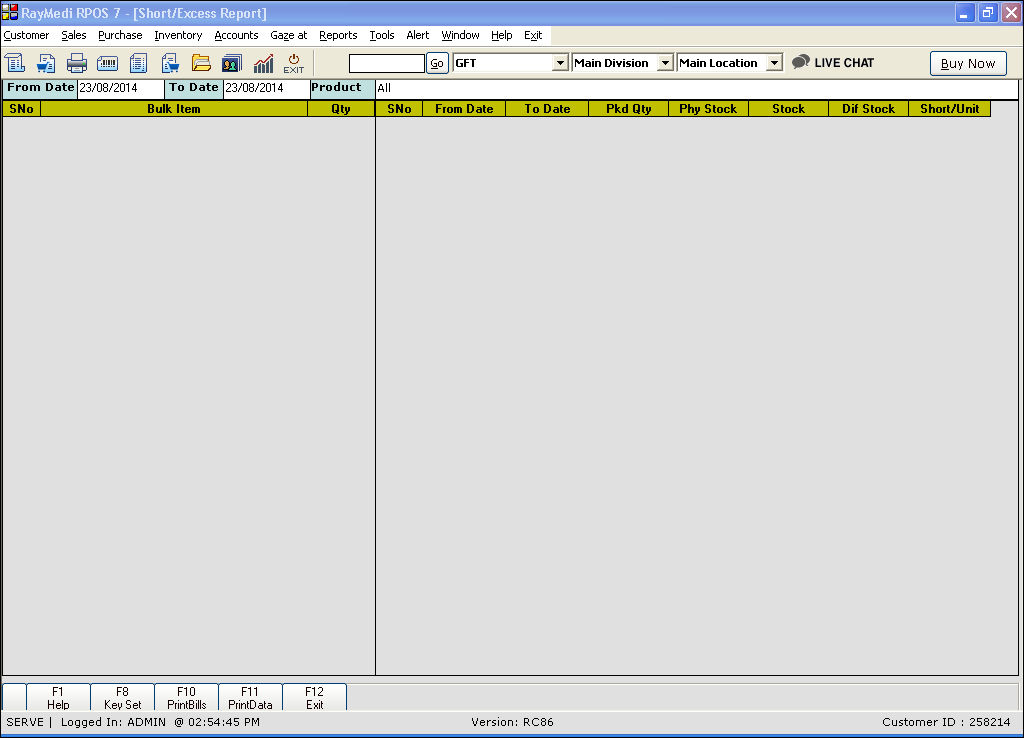
2. In the From Date and To Date fields, enter the dates.
3. In the Product field, press Enter. The details are loaded in the screen.
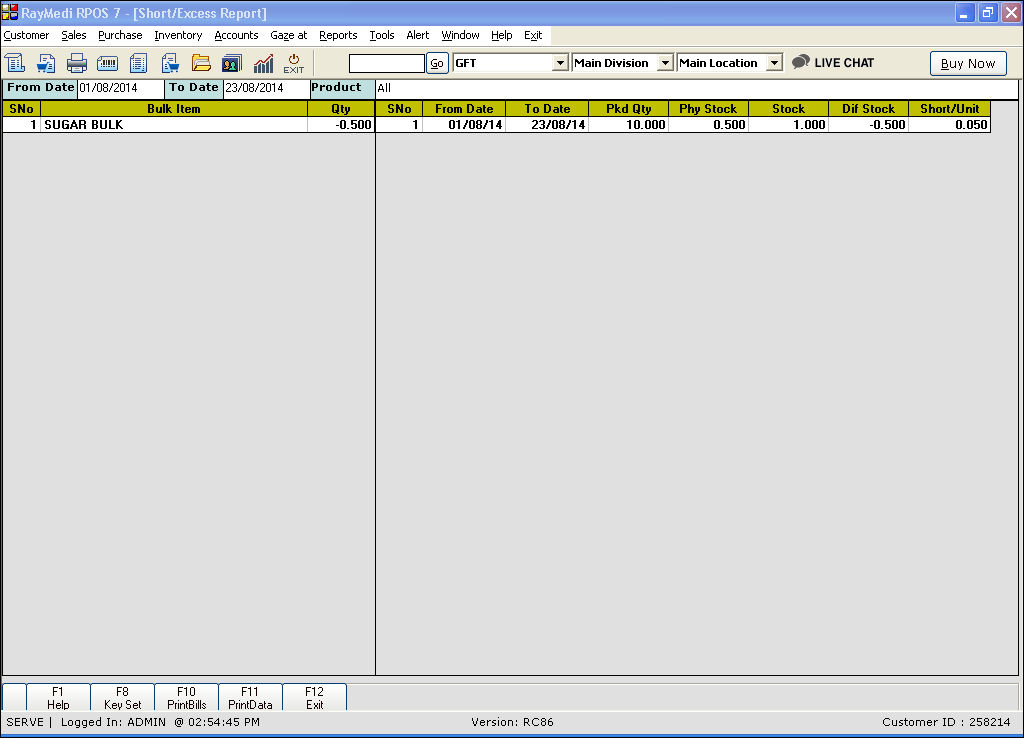
Short excess enquiry is a complete detailed report of short or excess bulk items for a specific period.
Short excess enquiry
1. Click Inventory >> Repack & Bulk items >> Short Excess enquiry. The Short/Excess report screen is displayed.
2. In the From Date and To Date fields, enter the dates.
3. In the Product field, press Enter. The details are loaded in the screen.
Related Articles
How to make a Short Excess entry?
Introduction While packing repacked items from a bulk item, there may be a slight deviation in the repacked quantities than the actual. Example: Consider a bulk item of 100KG in a single pack. The item is repacked into 1KG packs. Actually, the count ...Work Flow of Product Enquiry
Work Flow of Product Enquiry Purpose: The purpose of the product enquiry workflow in RetailEasy Electronics vertical POS is to allow customers to request information about products. This can be helpful for customers who are looking for specific ...Short Similar Generic Items based on Short Expiry Days in Product LOV
Short Similar Generic Items based on Short Expiry Days in Product LOV Purpose: The primary purpose is to optimize the management of pharmacy products with short expiry dates by implementing a "First In First Out" (FIFO) sorting strategy within the ...Stock Report - Lot Number
Stock Report - Lot Number Purpose: Traceability: Lot numbers provide a unique identifier for batches of products. Checking stock based on Lot numbers allows you to trace the origin and history of each batch, which is crucial in industries like ...View Item Name & Location on Sales Screen - Rack/Shelf/Box Details
View Item Name & Location on Sales Screen - Rack/Shelf/Box Details RetailEasy Pharmacy POS serves as a comprehensive POS system designed specifically for pharmacies, offering a range of features and functionalities to streamline operations and ...