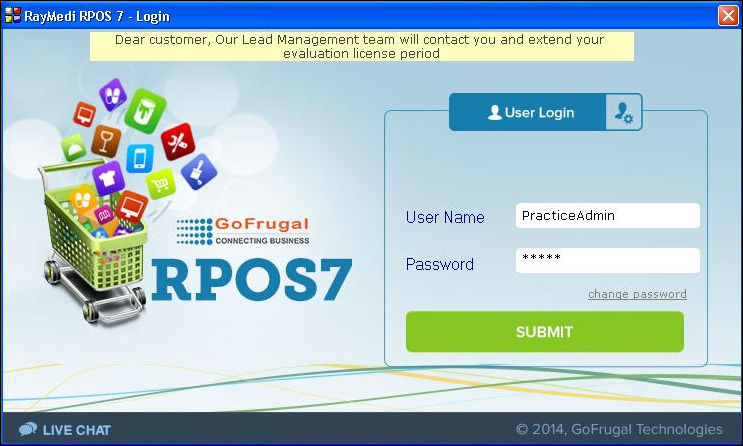
How to create a Practice login?
Steps to create Practice login
1. Click Tools >> Configuration >> Create Practice Database [Live copy].
2. A confirmation message is displayed. Click Yes to create a practice database.
When the user creates practice login for the very first time, the SQL installation process is initiated. The installation process may take 10-30 minutes to complete.
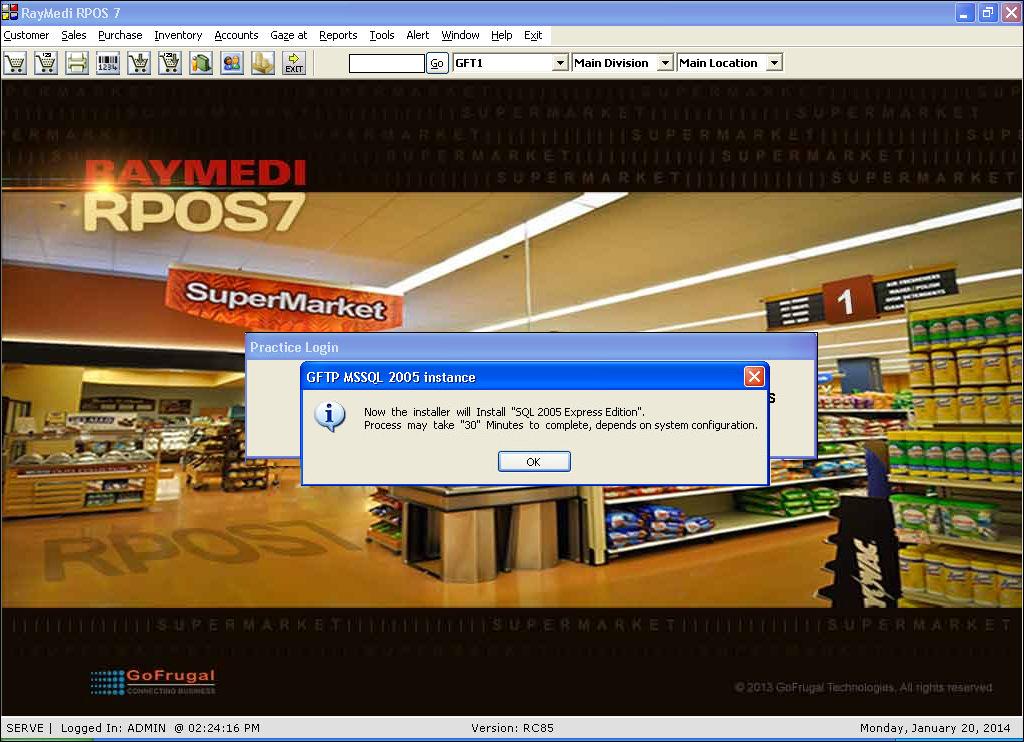
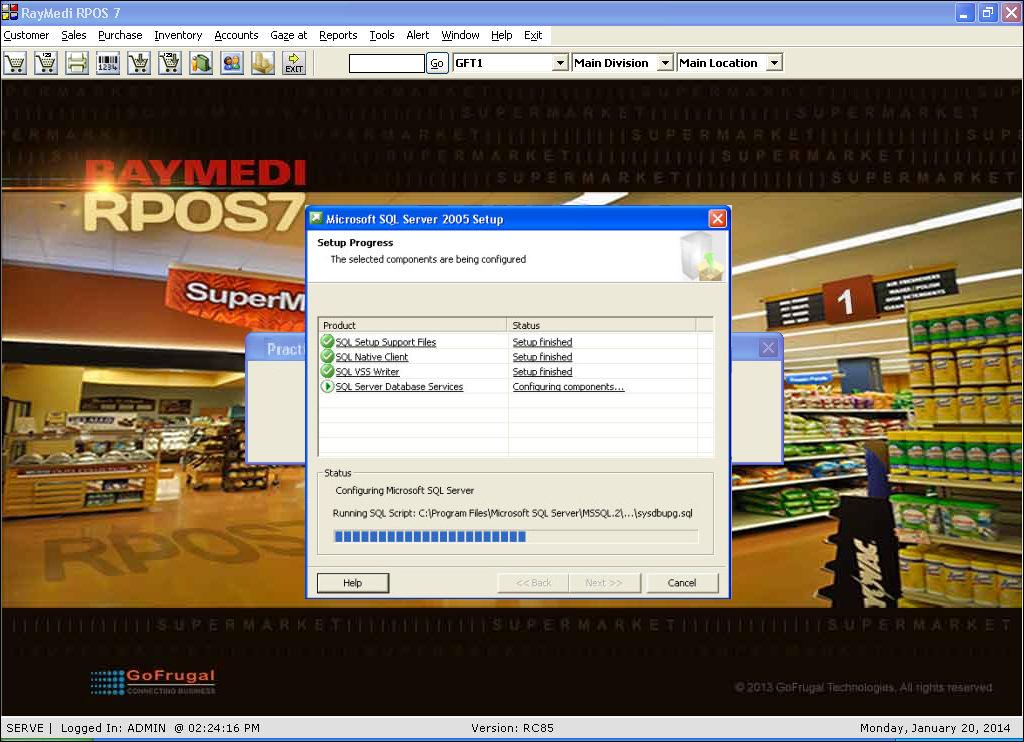
3. Once the SQL installation is complete, practice login setup creation process starts.
4. Click OK.
Note:
- Currently you are in the normal login. To switch to the PracticeAdmin login, you need to log-off the application.
- A default practice username has been provided for PracticeAdmin, the password is admin.